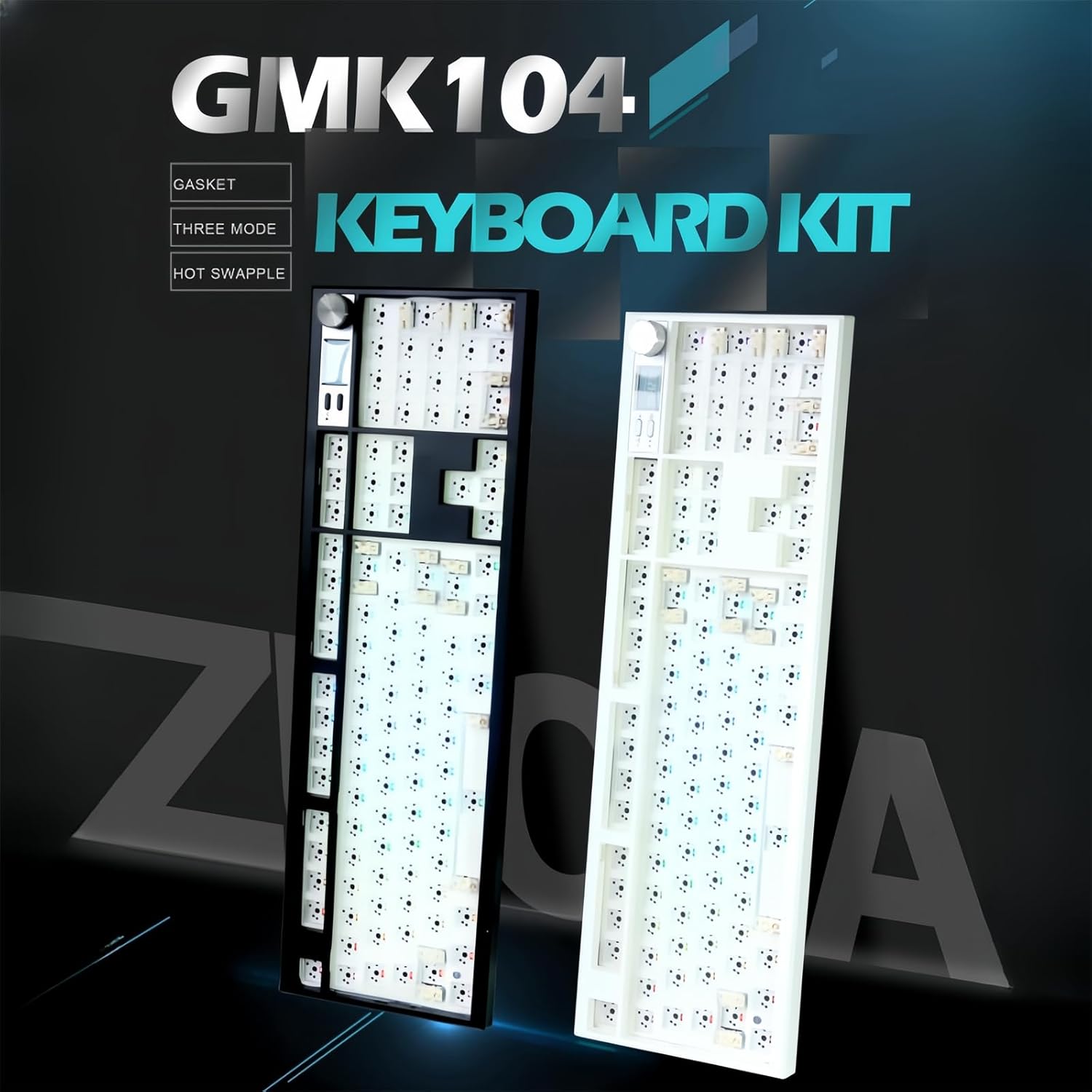
Barebones Mechanical Keyboard Full Size
December 29, 2025If you’re searching for a barebones mechanical keyboard full size, you’re not browsing casually—you’re planning a custom build. This type of keyboard isn’t for beginners or impulse buyers. It’s for people who want full control over typing feel, sound, and long-term durability.
In this guide, you’ll learn why a barebones full-size keyboard is worth buying, what features actually justify the price, and how to choose the best one so you don’t waste money on the wrong kit.
Why Buy a Barebones Mechanical Keyboard Instead of a Prebuilt?
Most prebuilt mechanical keyboards are compromises. You get factory switches you didn’t choose, keycaps you’ll eventually replace, and stabilizers that rattle unless you mod them.
A barebones mechanical keyboard full size solves those problems by letting you:
- Choose exactly the switch type you want (linear for gaming, tactile for typing, silent for office use)
- Install premium keycaps once instead of replacing cheap stock ones later
- Avoid paying for parts you’ll immediately swap out
- Build a keyboard that lasts years instead of months
If you already know you’ll customize later, buying barebones first is the smarter financial decision.
Why Full Size Is Still the Best Layout for Productivity
While smaller keyboards are popular online, full-size layouts remain dominant for real work.
A 100% layout gives you:
- A dedicated number pad for faster data entry and calculations
- Full navigation keys without layers or shortcuts
- Better compatibility with legacy software and games
- Less hand movement for productivity tasks
For accountants, programmers, engineers, office professionals, and power users, full size simply works better.
Key Features That Matter When Buying a Barebones Full-Size Keyboard
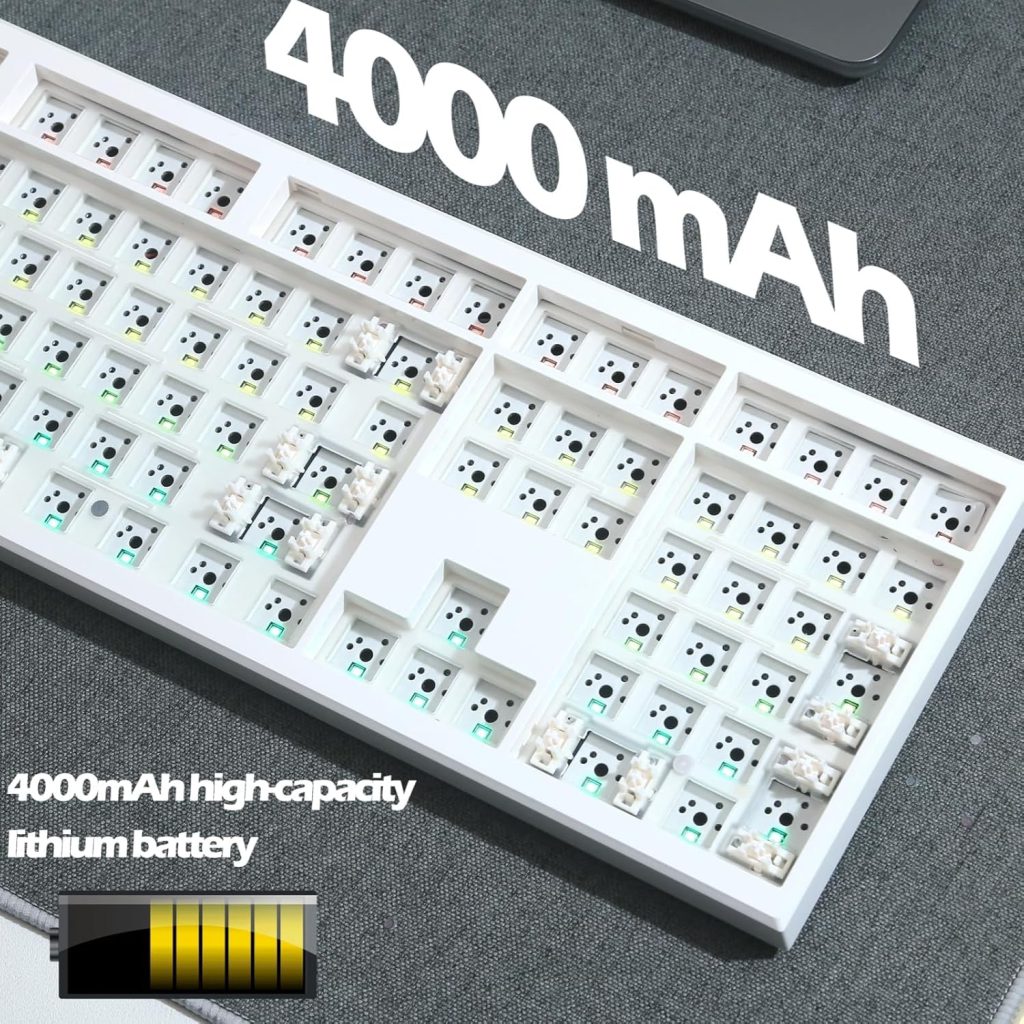
Hot-Swap PCB
A hot-swap PCB lets you install switches without soldering.
Why this matters for buyers:
- You can change switches later without buying a new keyboard
- You can test different switch types before committing
- Repairs are easy if a switch fails
Unless you already solder, do not buy a soldered PCB.
High-Quality Stabilizers
Full-size keyboards rely heavily on stabilizers due to large keys like spacebar, enter, and numpad keys.
Look for:
- Screw-in stabilizers
- Factory lubrication or mod-friendly access
- Minimal wire rattle out of the box
Bad stabilizers ruin even expensive switches. This is one of the biggest differences between cheap and premium barebones kits.
Solid Case Construction
The case affects both sound and longevity.
- Plastic cases: cheaper, lighter, louder
- Aluminum cases: heavier, quieter, more premium
- Steel cases: durable but usually too loud and heavy
For most buyers, an aluminum case offers the best value.
Gasket or Top Mount Design
Mounting style determines typing comfort.
- Gasket mount: softer, quieter, better for long typing sessions
- Top mount: firm, consistent, popular with gamers
- Tray mount: cheaper, harsher feel
If comfort matters, choose gasket mount. It’s worth paying extra.
VIA or QMK Support
Good firmware support lets you:
- Remap keys
- Create macros
- Customize layers
- Adjust RGB (if included)
Without this, a premium keyboard feels restricted.
Who Should Buy a Barebones Mechanical Keyboard Full Size?
This keyboard type is ideal if you:
- Type for hours daily
- Rely on the number pad
- Want a keyboard that lasts multiple upgrade cycles
- Care about typing feel and sound
- Plan to customize switches and keycaps anyway
If you want something cheap and disposable, this is not for you.
What to Expect After You Buy
Setting expectations increases conversion.
When you buy a barebones keyboard, you’ll still need:
- Mechanical switches (usually 104–108 pieces)
- Keycaps compatible with a full-size layout
- A switch puller and keycap puller (often included)
Setup takes 30–60 minutes, but the result is a keyboard tailored to you—not a factory compromise.
Common Buyer Mistakes (Avoid These)
- Buying cheap switches to “save money” and regretting it later
- Ignoring stabilizer quality
- Choosing a layout that doesn’t fit your workflow
- Paying for RGB instead of build quality
Spend where it matters. Skip what doesn’t.
Is a Barebones Mechanical Keyboard Full Size Worth the Price?
Yes—if you know why you’re buying it.
You’re not paying for convenience. You’re paying for:
- Long-term value
- Upgrade flexibility
- Better typing ergonomics
- Customization without replacement
Compared to repeatedly replacing prebuilt keyboards, barebones is often cheaper in the long run.
If you want a keyboard that feels better, lasts longer, and adapts to your needs, a barebones mechanical keyboard full size is the best foundation you can buy.
Choose a model with:
- Hot-swap PCB
- Good stabilizers
- Aluminum case
- VIA/QMK support
Then pair it with switches and keycaps that match your use case.
That’s how you build a keyboard once—and stop shopping again.
Share: